Customers & analytics
Choose the correct store first. Dashboard totals, buyer/order records and contact-form messages serve different purposes.
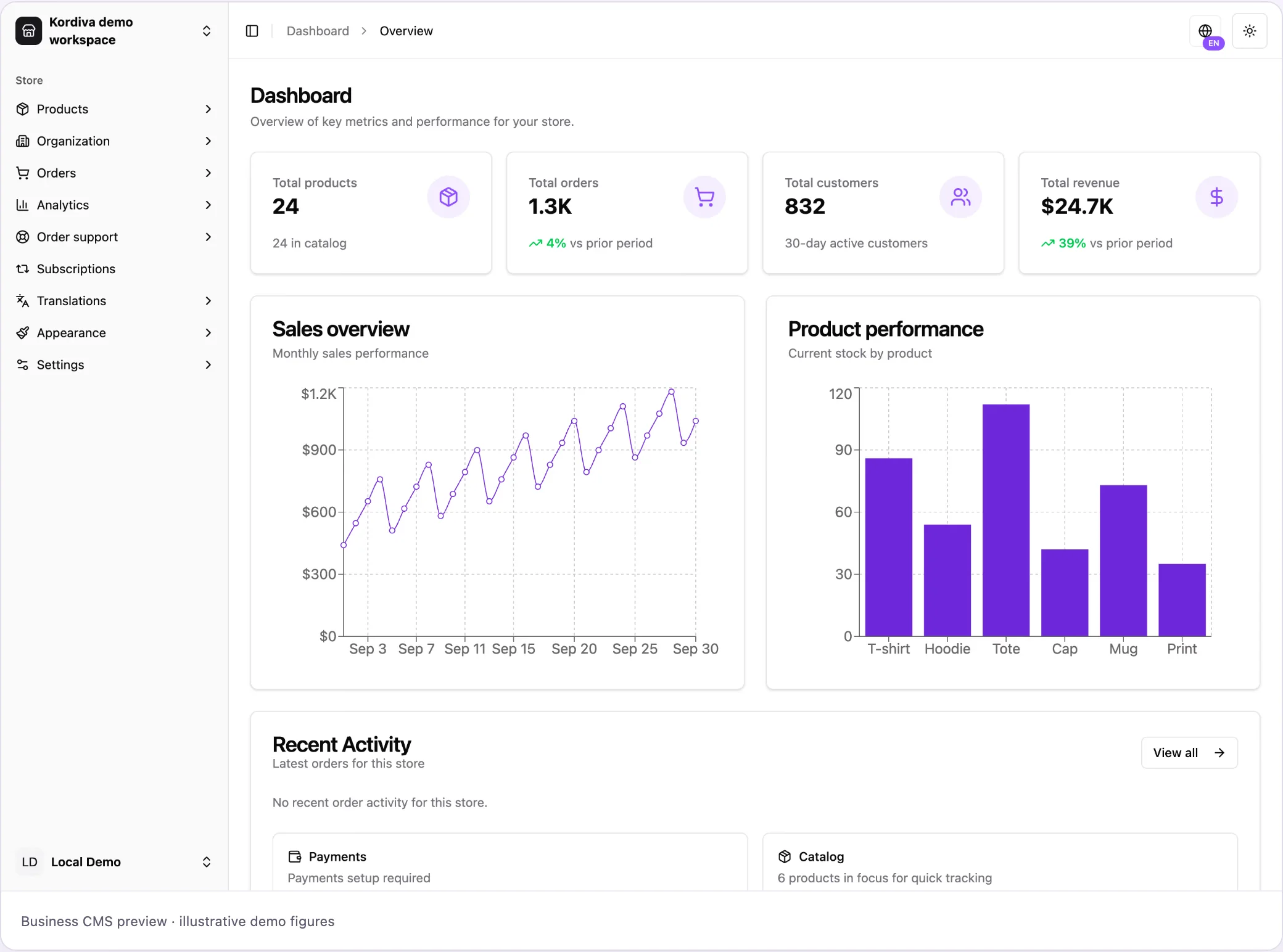
- Open Dashboard → Overview for a quick operational summary. Total products, Total orders, Total customers and Total revenue summarize store activity; they are not bank balances.
- Open Orders and the affected order to inspect its buyer, payment and fulfillment context. Keep payment success separate from delivery status.
- Open Contacts for incoming storefront contact-form messages. Name, email, subject, message and date describe an inquiry, not proof of a paid order or a complete buyer CRM.
- Open Analytics and choose the relevant period/available filters. Compare like currencies and periods; check the environment before interpreting figures.
- Use Settings → Payments for reconciled fees, holds and payouts. Revenue charts cannot establish bank eligibility.
Troubleshooting
Section titled “Troubleshooting”A contact message does not create a payment. A paid order does not mean the money is in the bank. If figures disagree, check store, period, environment and whether a payment is pending/refunded. Do not export customer data solely to make a screenshot.