Themes & Branding
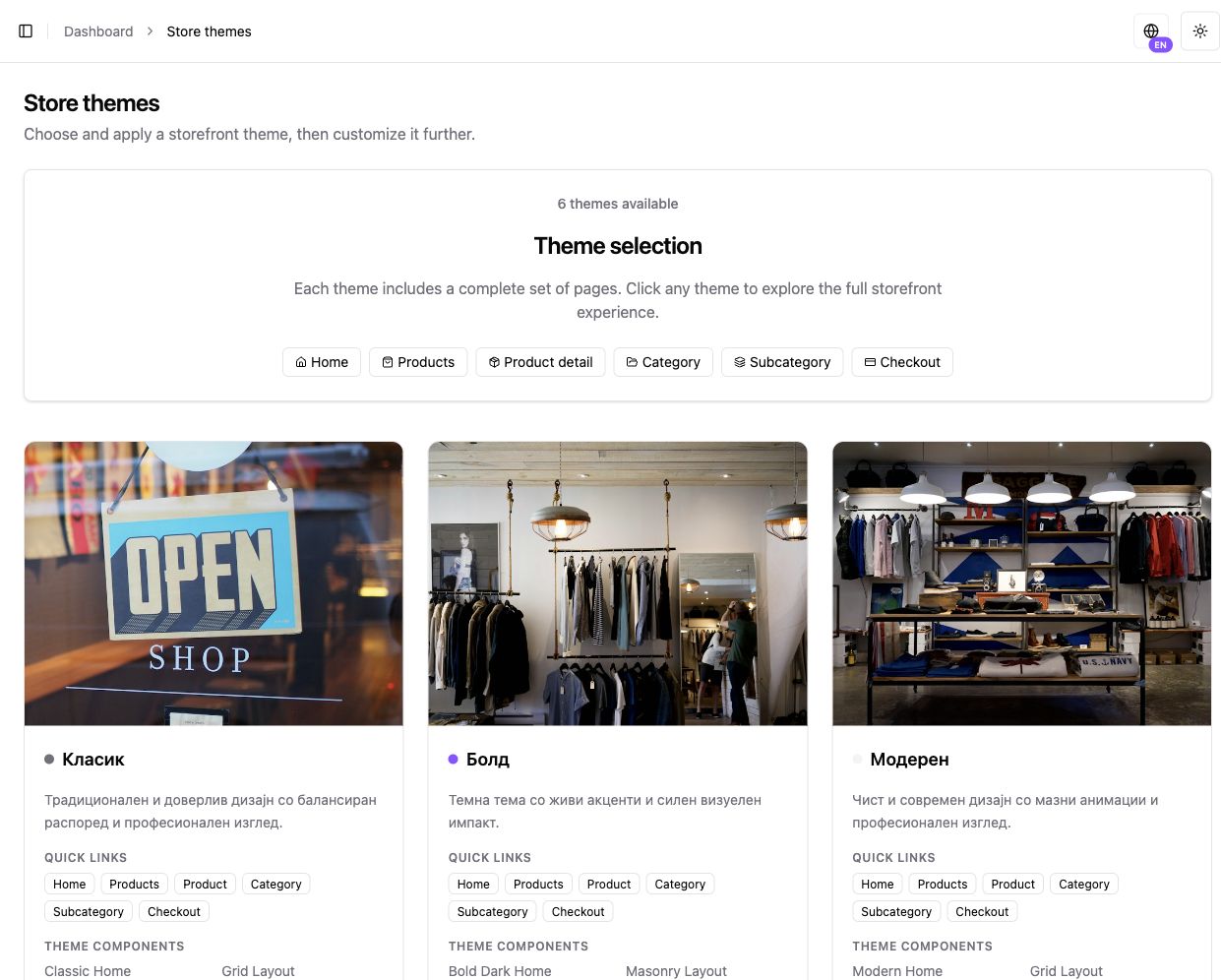
A theme is a starting structure, not finished content. After choosing one, replace sample text, banners, and sections with real brand content.
Available themes
Section titled “Available themes”Kordiva E-commerce currently includes six theme families:
Classic
A familiar and clear layout for a wide range of catalogs.
Bold
Stronger visual emphasis and larger promotional areas.
Modern
A clean contemporary layout for products with strong photography.
Elegant
A quieter premium look for brands with focused content.
Minimal
Reduced visual noise with focus on the catalog.
Editorial
More room for storytelling, content, and collections.
What you can customize
Section titled “What you can customize”Manage:
- logo;
- colors;
- typography;
- header and navigation;
- footer;
- banners;
- page sections;
- product and category cards;
- home-page layout.
Prepare a theme properly
Section titled “Prepare a theme properly”- Replace sample content — Do not leave default text, banners, or images that came with the theme.
- Make the first section clear — A visitor should immediately understand what you sell.
- Review products and categories — The theme needs to work beyond the home page.
- Check mobile — A large share of customers will visit from a phone.